Settings Tabs
Website settings are distributed across multiple pages in the admin sidebar. The settings are organized into logical sections in the Settings and Site Content menus.
Use Cmd+K (Mac) or Ctrl+K (Windows) to quickly search and navigate to any settings page.
General Settings
/site_admin/website/settings/general
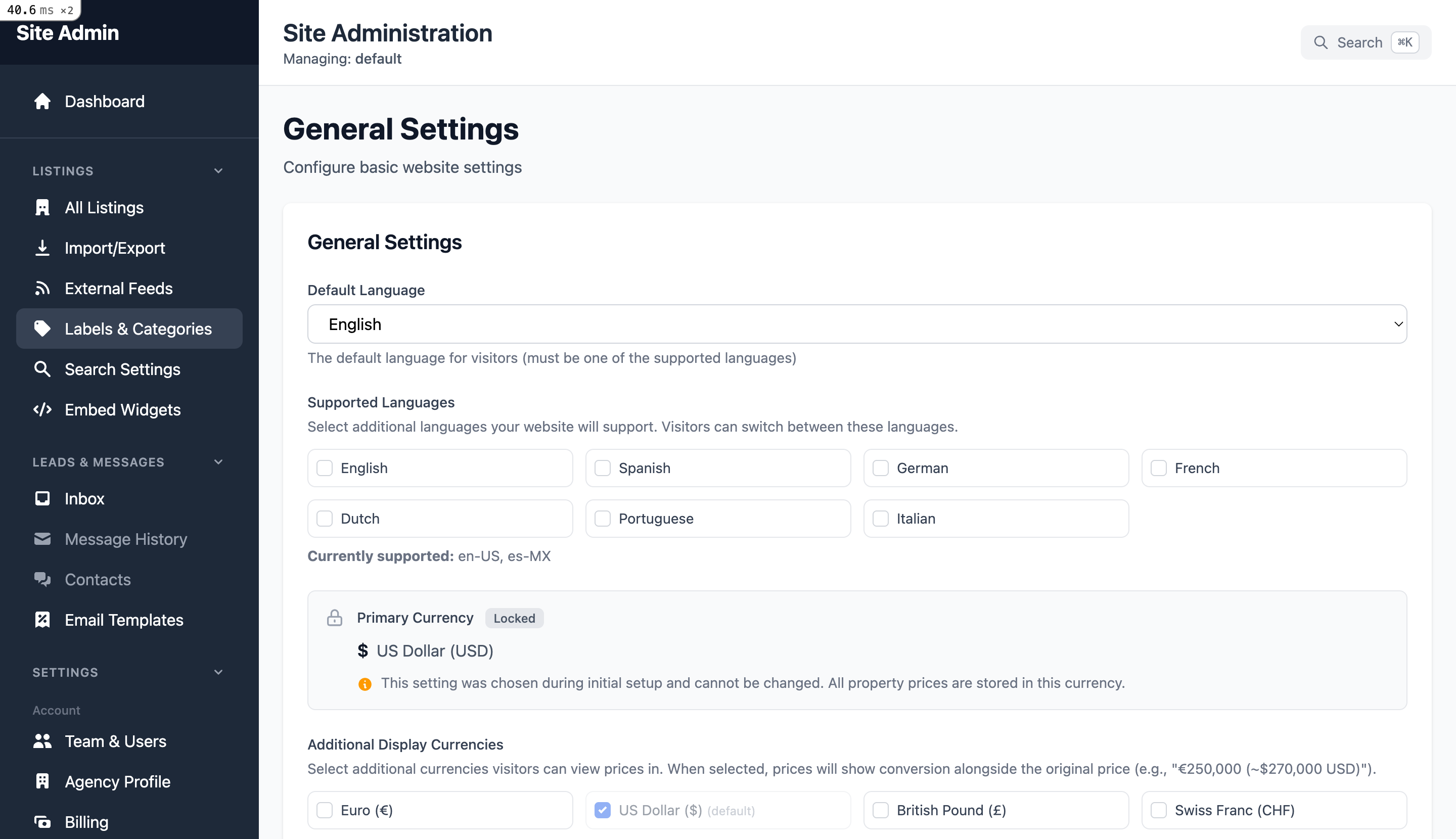
Basic website configuration options.
Company Display Name
The name shown in the header and footer of your website.
Default Client Locale
The default language for visitors (English, Spanish, French, etc.)
Default Currency
Currency for property prices (EUR, USD, GBP, etc.)
Default Area Unit
Square meters or square feet for property sizes.
Supported Locales
Enable multiple languages for your website.
Google Analytics ID
Your GA4 or Universal Analytics tracking ID.
Theme & Appearance
/site_admin/website/settings/appearance
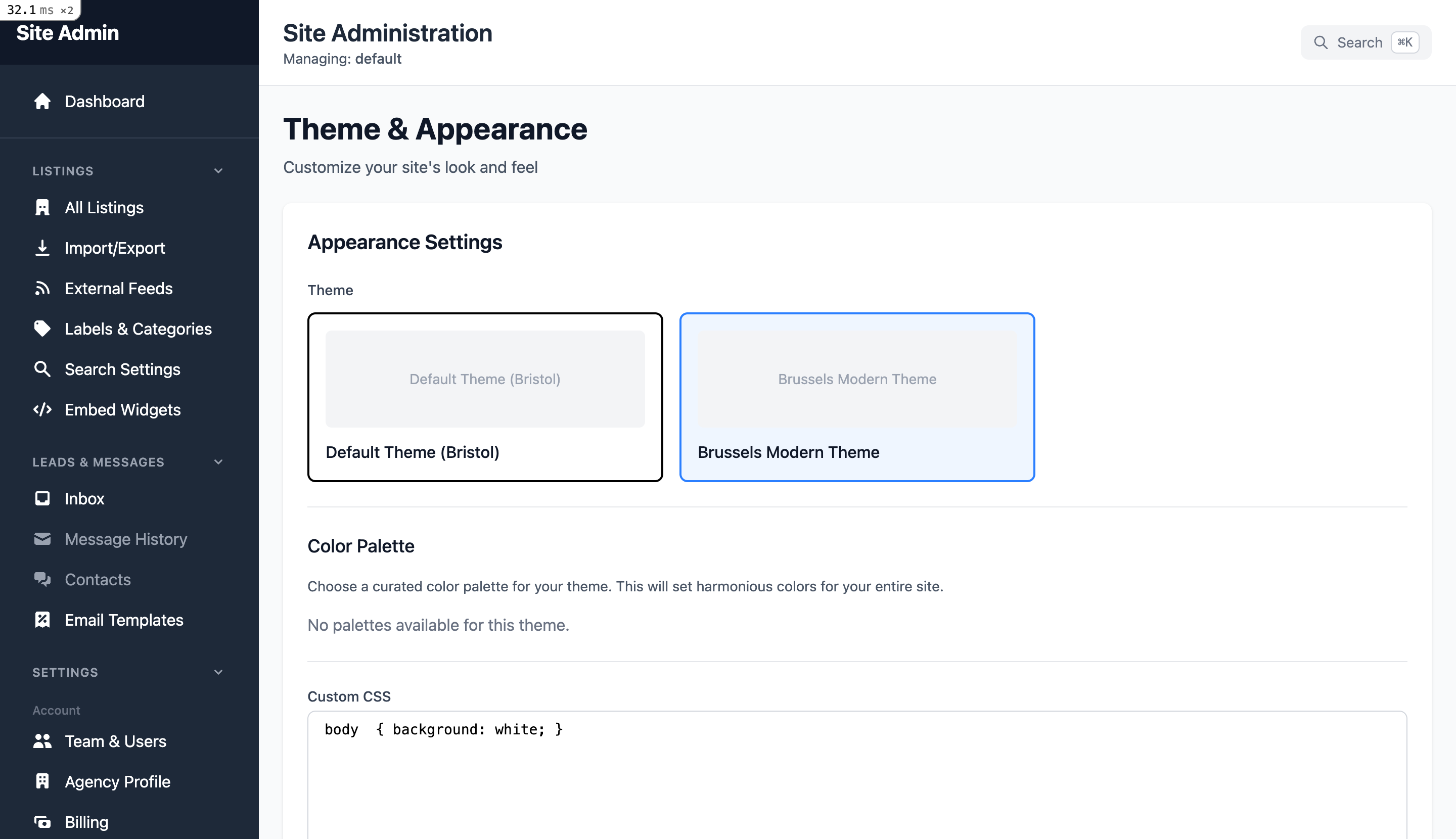
Customize how your website looks.
Theme Selection
Choose from available themes for your website.
Color Palette
Select colors that match your brand.
Custom CSS
Add custom styles to override theme defaults.
Home Page
Configure your home page content and display options.
Page Title
The title shown on your home page (multi-language).
Display Options
- Hide "For Rent" section
- Hide "For Sale" section
- Hide search bar
Carousel Management
Configure featured property carousel.
SEO Settings
Optimize your website for search engines.
Default Page Title
The default title shown in browser tabs and search results.
Meta Description
Default description for search engine results.
Favicon URL
Small icon shown in browser tabs.
Logo URL
Main logo displayed on your website.
Notifications
Configure push notification settings (via Ntfy.sh).
Enable Notifications
Toggle push notifications on/off.
Server URL
Your Ntfy.sh server URL.
Notification Types
- - Property inquiries
- - New listings
- - User activity
- - Security alerts
Test Notification
Send a test to verify your configuration.
Social Media
Link your social media profiles.
Facebook
Your Facebook page URL
Instagram
Your Instagram profile
LinkedIn
Your company LinkedIn page
Twitter/X
Your Twitter/X account